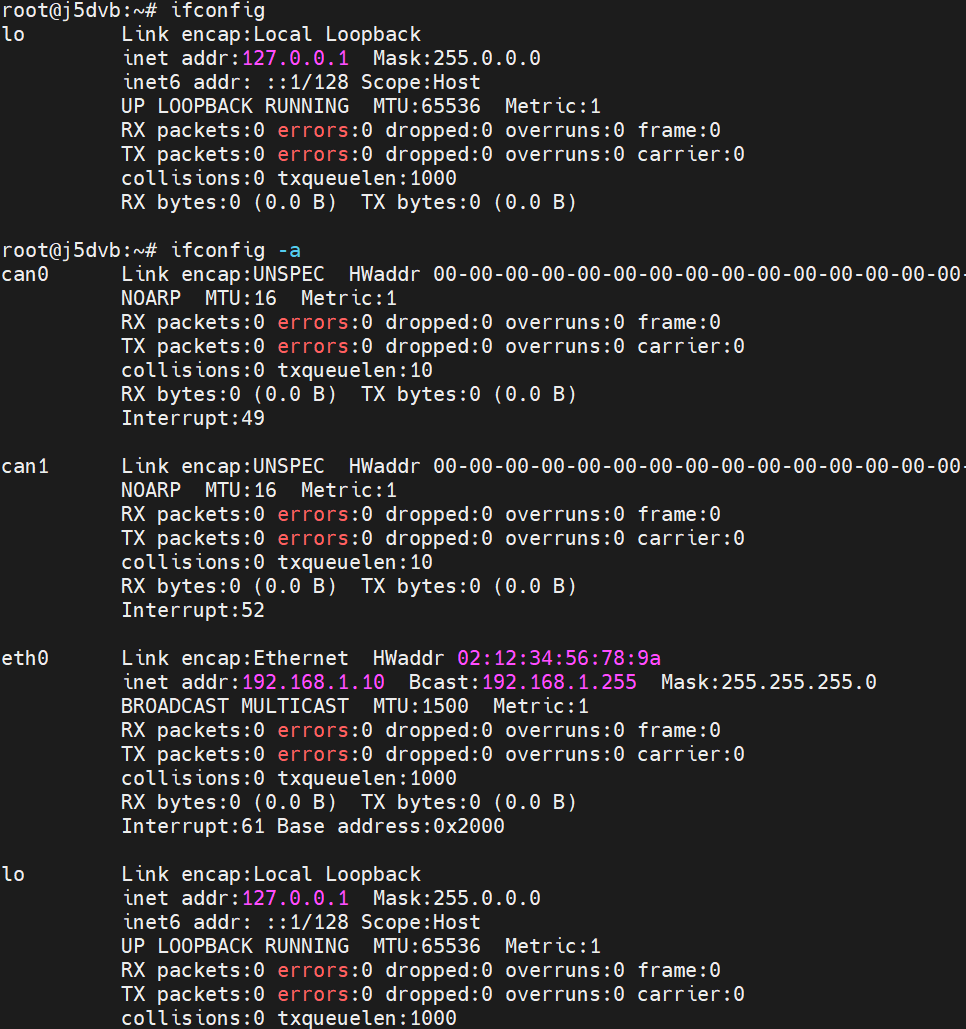
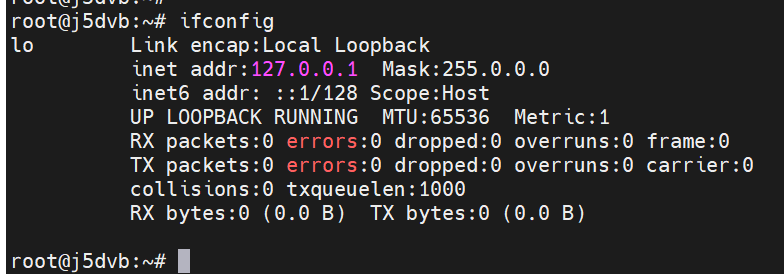
#设置IP地址,以eth0为例 root@hobot:~# hrut_ipfull s eth0 192.168.0.100 255.255.255.0 192.168.0.1 root@hobot:~# #获取IP地址,以eth0为例 root@hobot:~# hrut_ipfull g eth0 ip=192.168.0.100 mask=255.255.255.0 gw=192.168.0.1 #清空IP地址,以eth0为例 root@hobot:~# hrut_ipfull c eth0 clear all ip related setting. 用上面的命令 设置下 就不会被刷掉了

'/%3e%3cpath%20d='M8%200.5C12.1421%200.5%2015.5%203.85786%2015.5%208C15.5%2012.1421%2012.1421%2015.5%208%2015.5C3.85786%2015.5%200.5%2012.1421%200.5%208C0.5%203.85786%203.85786%200.5%208%200.5Z'%20fill='url(%23paint1_linear_0_45845)'%20stroke='white'/%3e%3cpath%20d='M10.0597%204.5332C10.031%204.5332%2010.0036%204.54817%209.98859%204.57313L8.09724%207.79442C8.02613%207.90046%207.84897%208.23731%207.5483%208.7875C7.37863%209.0969%207.25387%209.32771%207.17152%209.48615C7.1341%209.55727%207.0293%209.53855%207.01807%209.45871C6.97191%209.11936%206.89456%208.6066%206.78727%207.91793L6.2483%204.61804C6.24207%204.57812%206.20713%204.54942%206.16721%204.54942H4.28085C4.2297%204.54942%204.18977%204.59683%204.201%204.64798L5.71059%2012.1959C5.71808%2012.2346%205.75176%2012.2621%205.79044%2012.2621H7.46845C7.49715%2012.2621%207.52335%2012.2471%207.53832%2012.2234L12.1869%204.65796C12.2205%204.60307%2012.1806%204.5332%2012.117%204.5332H10.0597Z'%20fill='white'/%3e%3cdefs%3e%3clinearGradient%20id='paint0_linear_0_45845'%20x1='8.99711'%20y1='15.3526'%20x2='47.3575'%20y2='15.3526'%20gradientUnits='userSpaceOnUse'%3e%3cstop%20stop-color='%23AF86FF'/%3e%3cstop%20offset='1'%20stop-color='%23774EFF'/%3e%3c/linearGradient%3e%3clinearGradient%20id='paint1_linear_0_45845'%20x1='1.1152'%20y1='15.1368'%20x2='15.3888'%20y2='15.1368'%20gradientUnits='userSpaceOnUse'%3e%3cstop%20stop-color='%23AF86FF'/%3e%3cstop%20offset='1'%20stop-color='%23774EFF'/%3e%3c/linearGradient%3e%3c/defs%3e%3c/svg%3e) Lv.5
Lv.5