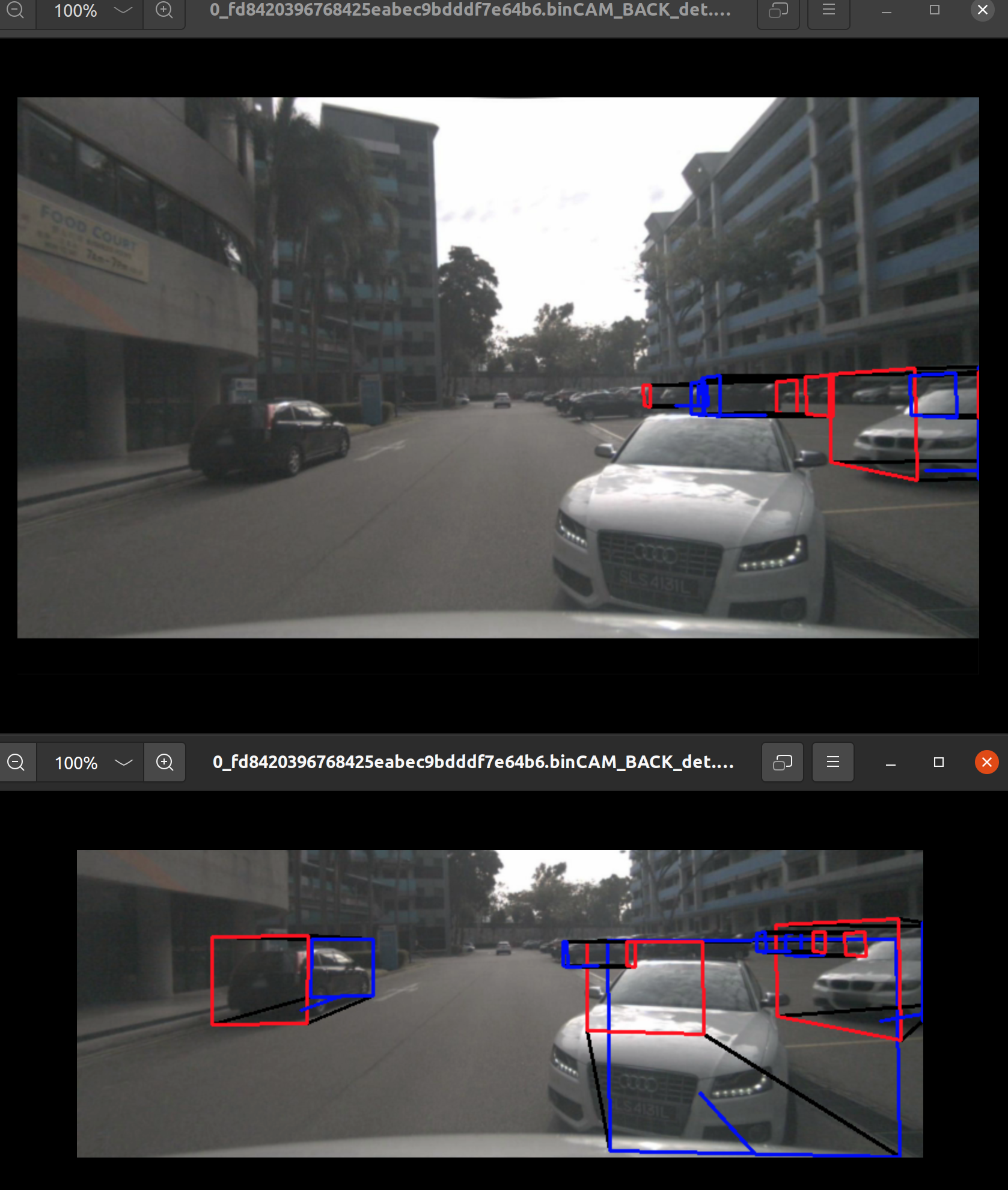
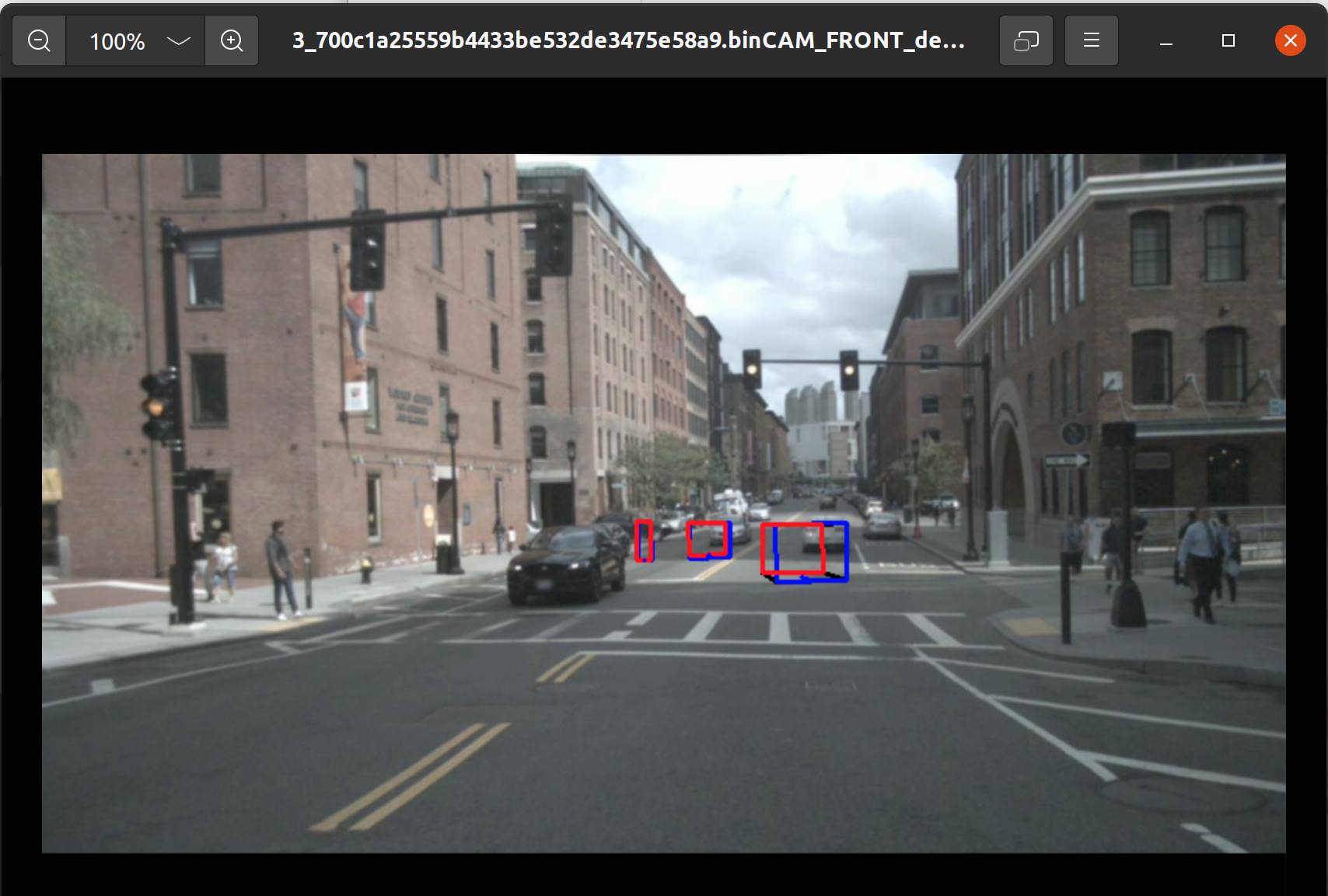
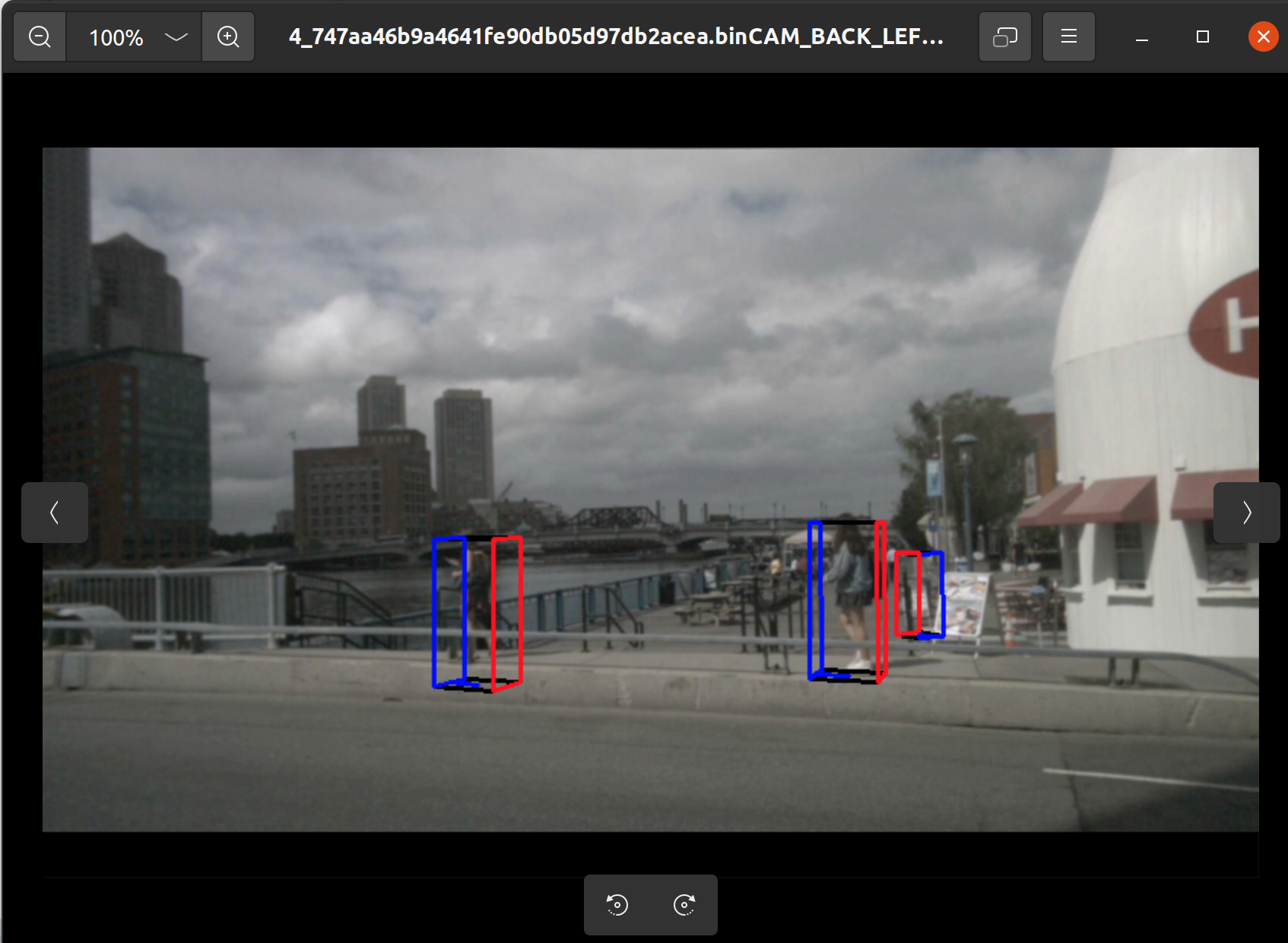
芯片型号:J6M
OE版本:3.0.31
问题:根据 https://developer.horizon.auto/blog/12602 使用 nuscenes 的 mini 数据进行验证时,得到的结果不对
我的操作如下:
对的,除了帖子中的 '2.2 NFS服务器安装、配置 以及 板端挂载使用' 这一节直接跳过(其余同学已经配置好了),然后按照整体的步骤执行一遍之后,却发现评估得到的精度很低
1. 将 nuscenes 的 mini 数据集按照要求放置
2. 使用 OE 中的 /open_explorer/samples/ucp_tutorial/dnn/ai_benchmark/j6/qat/tools/eval_preprocess 下的 bev_preprocess.py 文件执行后得到 nuscenes_bev 文件夹,idx.txt
3. 将 nuscenes_bev 文件夹,idx.txt 文件传输到板端,在板端使用 gen_file_list.sh 生成相应的 lst 文件
4. 使用 bash accuracy.sh 得到推理之后的 eval.log 文件
5. 将 eval.log 文件回传到本地 OE 中,使用 /media/hy/Docus/J6M/open_explorer/samples/ucp_tutorial/dnn/ai_benchmark/j6/qat/tools/python_tools/accuracy_tools 中的 bev_eval.py 得到指标
1. 将 nuscenes 的 mini 数据集按照要求放置
2. 使用 OE 中的 /open_explorer/samples/ucp_tutorial/dnn/ai_benchmark/j6/qat/tools/eval_preprocess 下的 bev_preprocess.py 文件执行后得到 nuscenes_bev 文件夹,idx.txt
3. 将 nuscenes_bev 文件夹,idx.txt 文件传输到板端,在板端使用 gen_file_list.sh 生成相应的 lst 文件
4. 使用 bash accuracy.sh 得到推理之后的 eval.log 文件
5. 将 eval.log 文件回传到本地 OE 中,使用 /media/hy/Docus/J6M/open_explorer/samples/ucp_tutorial/dnn/ai_benchmark/j6/qat/tools/python_tools/accuracy_tools 中的 bev_eval.py 得到指标
mini 数据的目录结构如下
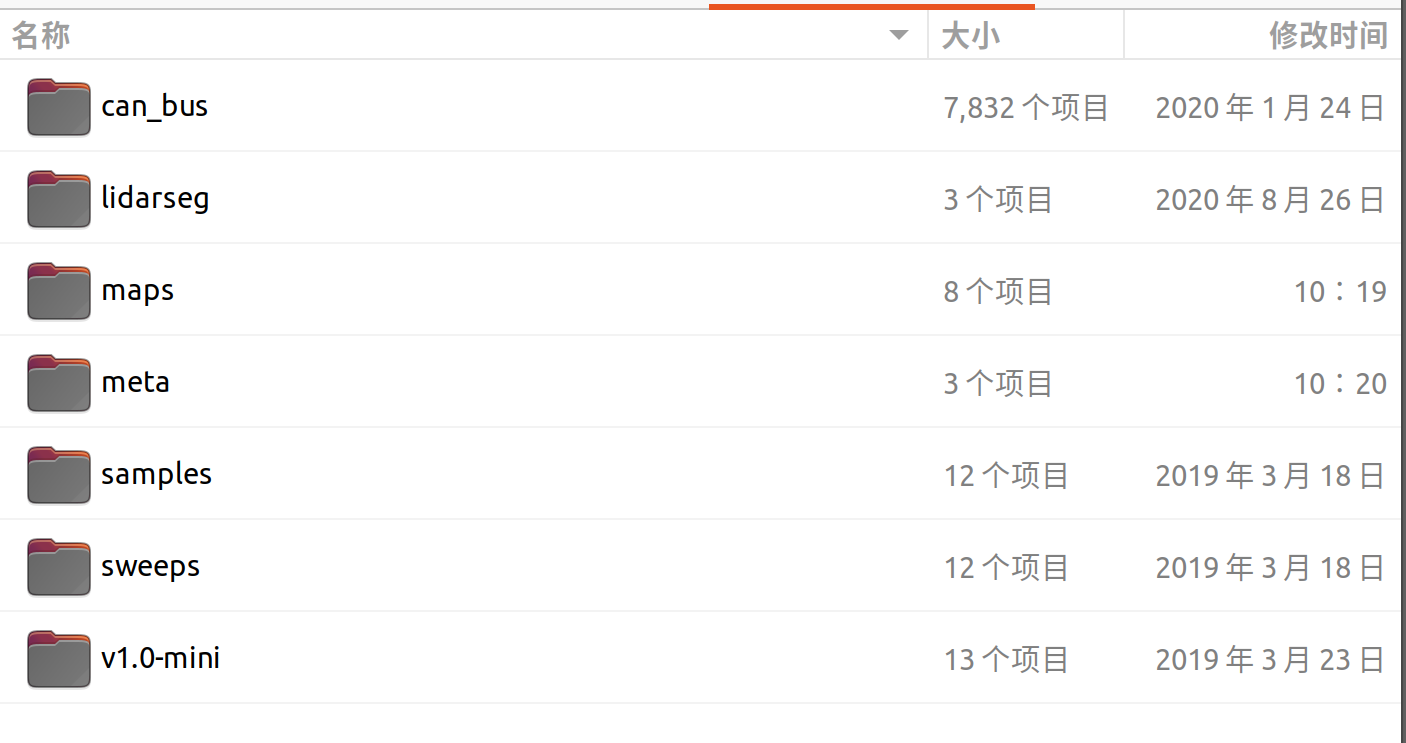
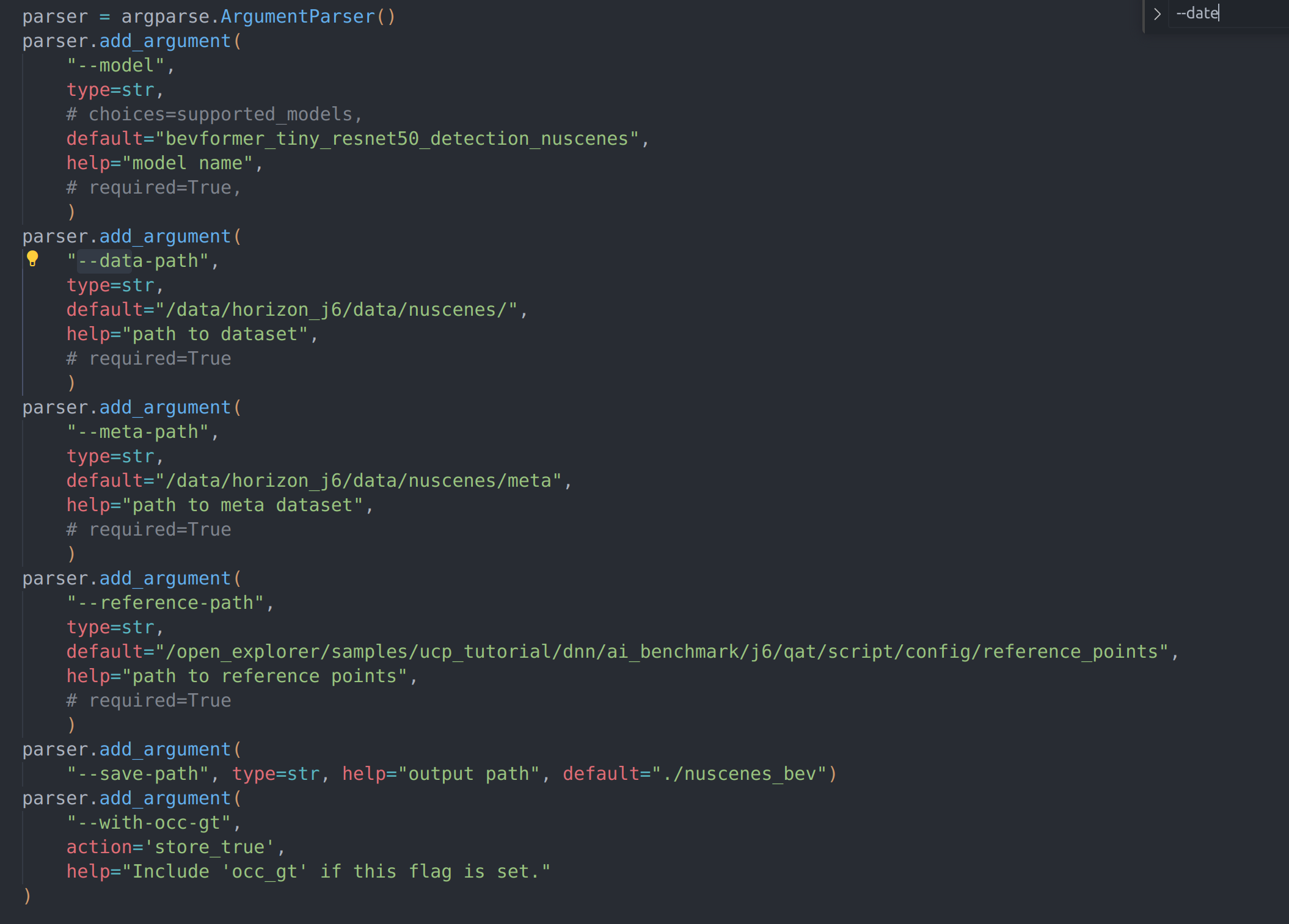
bev_preprocess.py 配置项如下
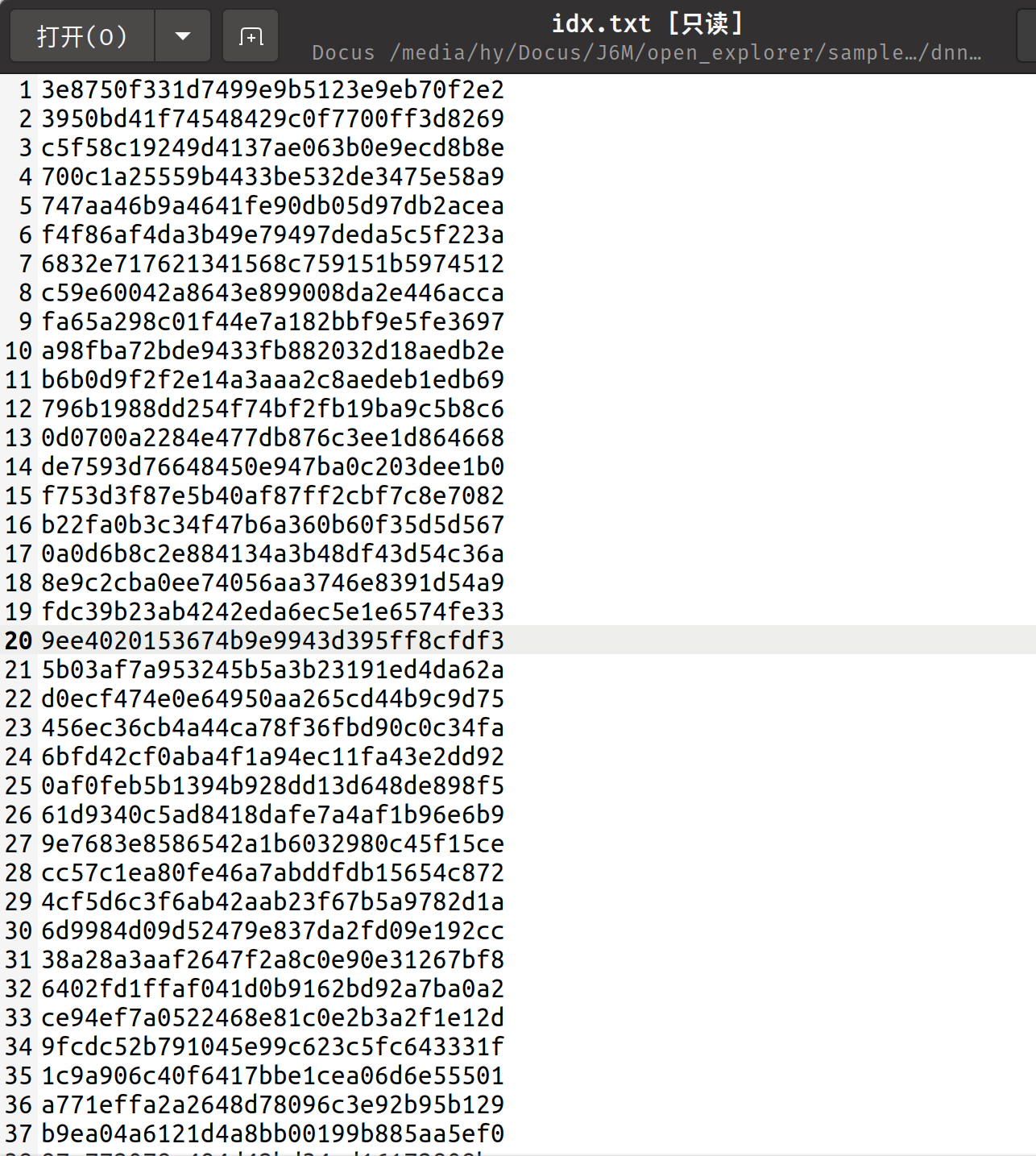
idx.txt 的内容如下
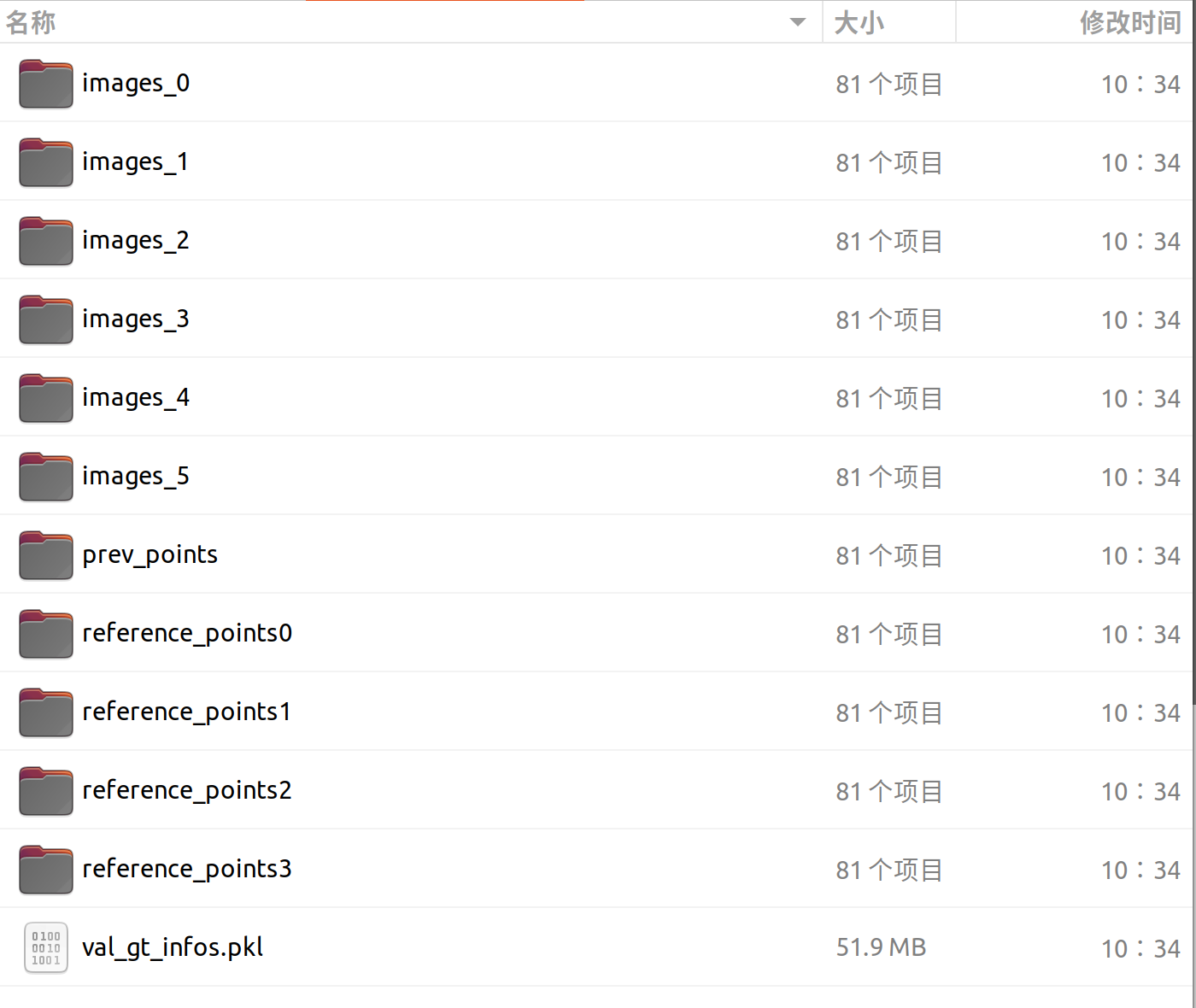
nuscenes_bev 目录的结构如下
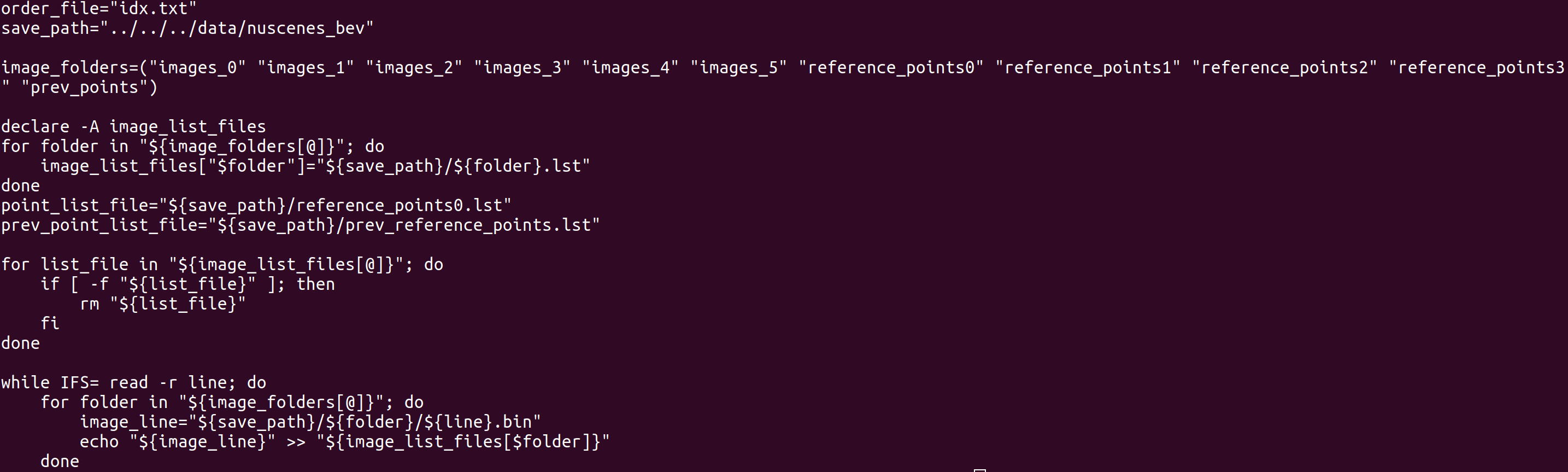
gen_file_list.sh 的内容如下
得到用于执行 accuracy.sh 的目录

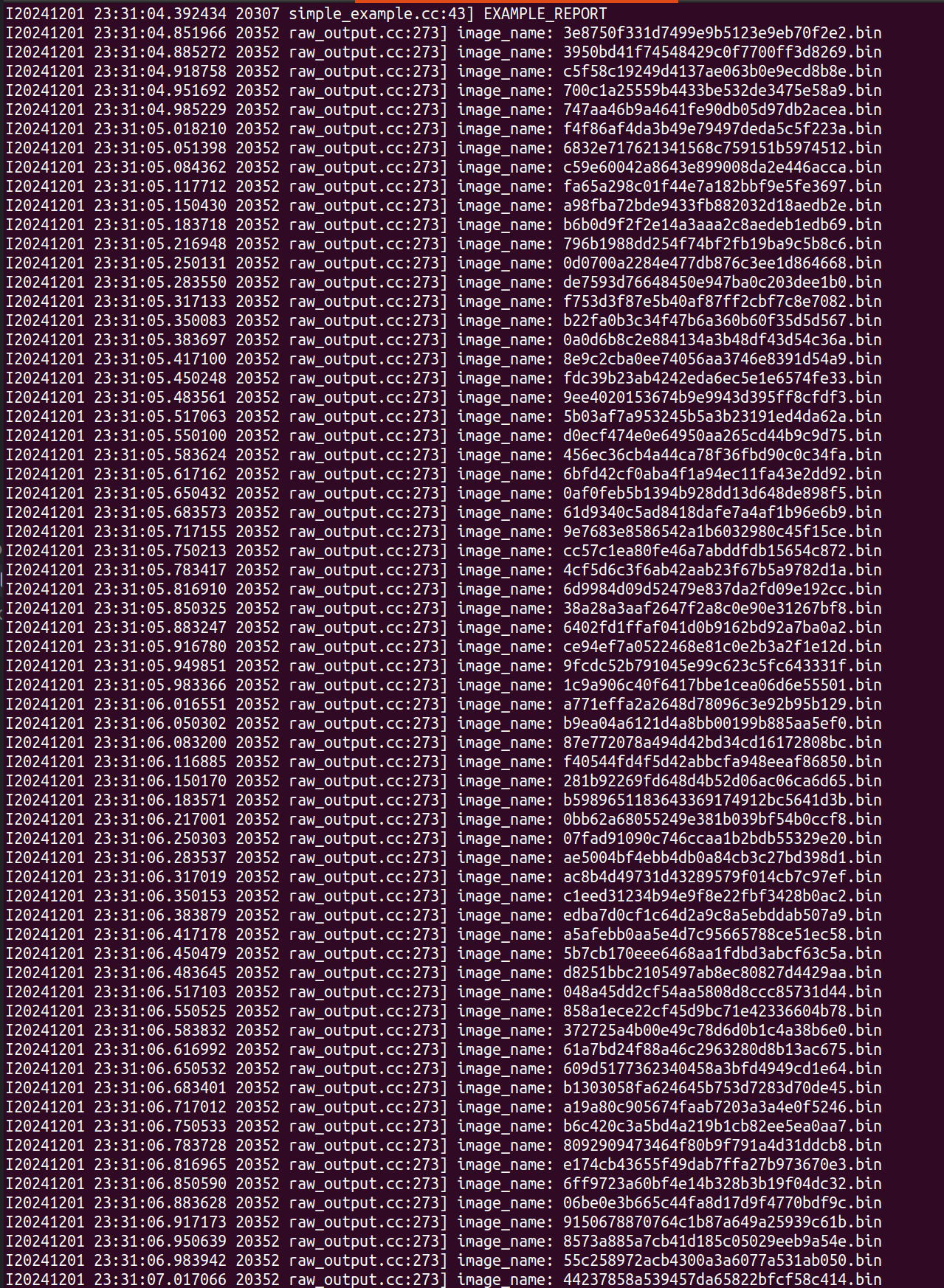
执行 bash accuracy.sh 的打印内容
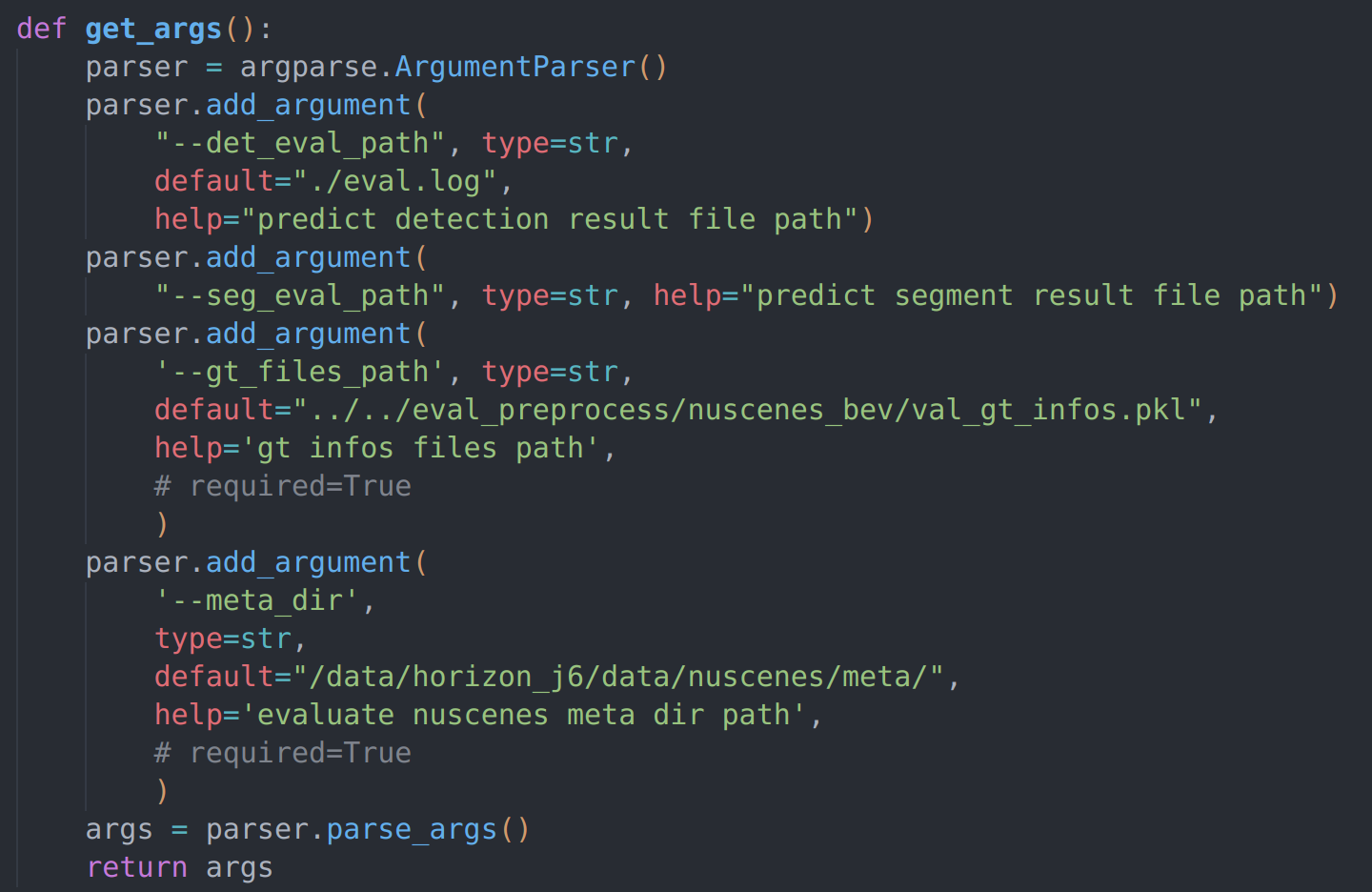
bev_eval 的配置
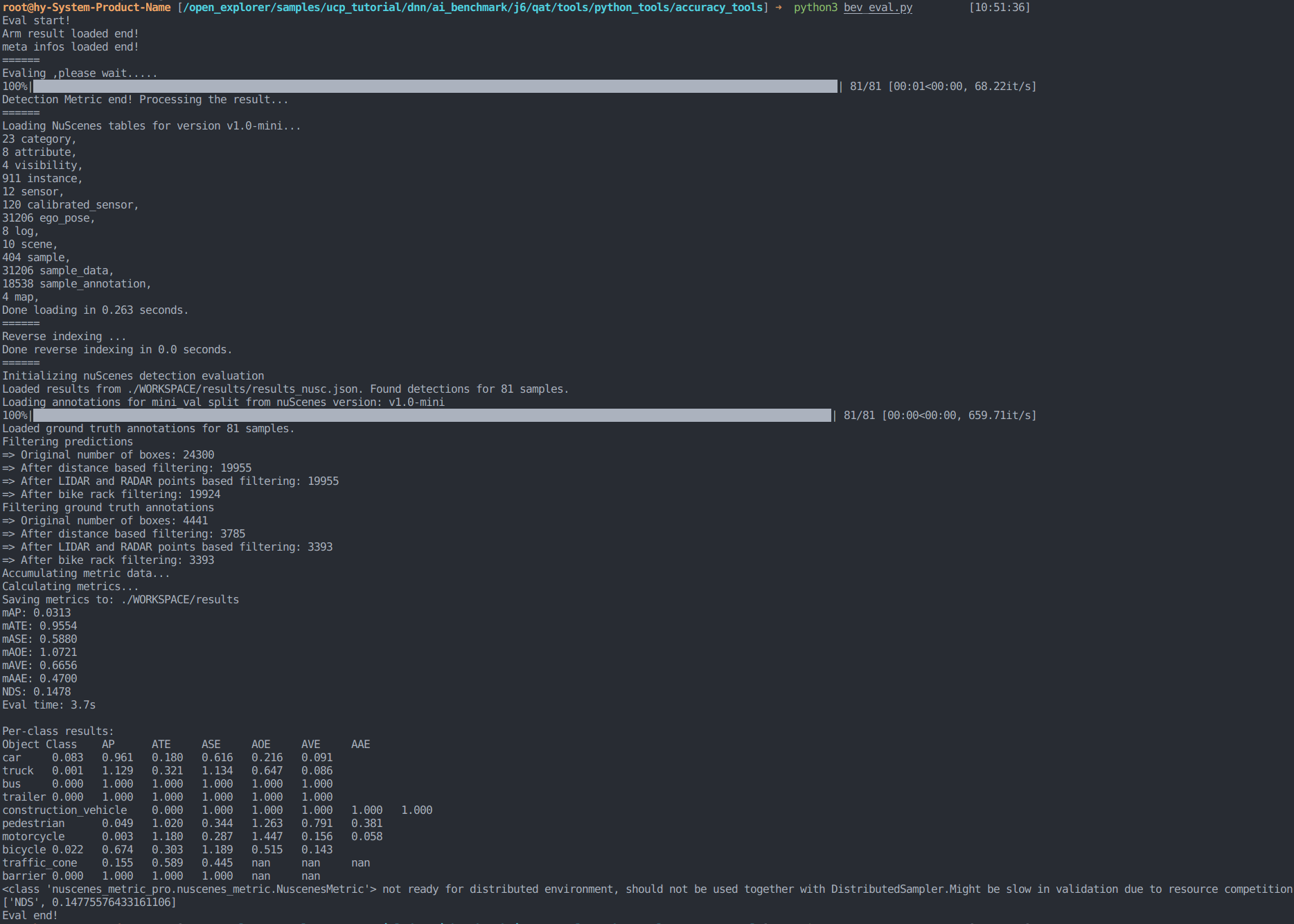
根据 eval.log 进行评估之后得到的结果

'/%3e%3cpath%20d='M8%200.5C12.1421%200.5%2015.5%203.85786%2015.5%208C15.5%2012.1421%2012.1421%2015.5%208%2015.5C3.85786%2015.5%200.5%2012.1421%200.5%208C0.5%203.85786%203.85786%200.5%208%200.5Z'%20fill='url(%23paint1_linear_0_45845)'%20stroke='white'/%3e%3cpath%20d='M10.0597%204.5332C10.031%204.5332%2010.0036%204.54817%209.98859%204.57313L8.09724%207.79442C8.02613%207.90046%207.84897%208.23731%207.5483%208.7875C7.37863%209.0969%207.25387%209.32771%207.17152%209.48615C7.1341%209.55727%207.0293%209.53855%207.01807%209.45871C6.97191%209.11936%206.89456%208.6066%206.78727%207.91793L6.2483%204.61804C6.24207%204.57812%206.20713%204.54942%206.16721%204.54942H4.28085C4.2297%204.54942%204.18977%204.59683%204.201%204.64798L5.71059%2012.1959C5.71808%2012.2346%205.75176%2012.2621%205.79044%2012.2621H7.46845C7.49715%2012.2621%207.52335%2012.2471%207.53832%2012.2234L12.1869%204.65796C12.2205%204.60307%2012.1806%204.5332%2012.117%204.5332H10.0597Z'%20fill='white'/%3e%3cdefs%3e%3clinearGradient%20id='paint0_linear_0_45845'%20x1='8.99711'%20y1='15.3526'%20x2='47.3575'%20y2='15.3526'%20gradientUnits='userSpaceOnUse'%3e%3cstop%20stop-color='%23AF86FF'/%3e%3cstop%20offset='1'%20stop-color='%23774EFF'/%3e%3c/linearGradient%3e%3clinearGradient%20id='paint1_linear_0_45845'%20x1='1.1152'%20y1='15.1368'%20x2='15.3888'%20y2='15.1368'%20gradientUnits='userSpaceOnUse'%3e%3cstop%20stop-color='%23AF86FF'/%3e%3cstop%20offset='1'%20stop-color='%23774EFF'/%3e%3c/linearGradient%3e%3c/defs%3e%3c/svg%3e)